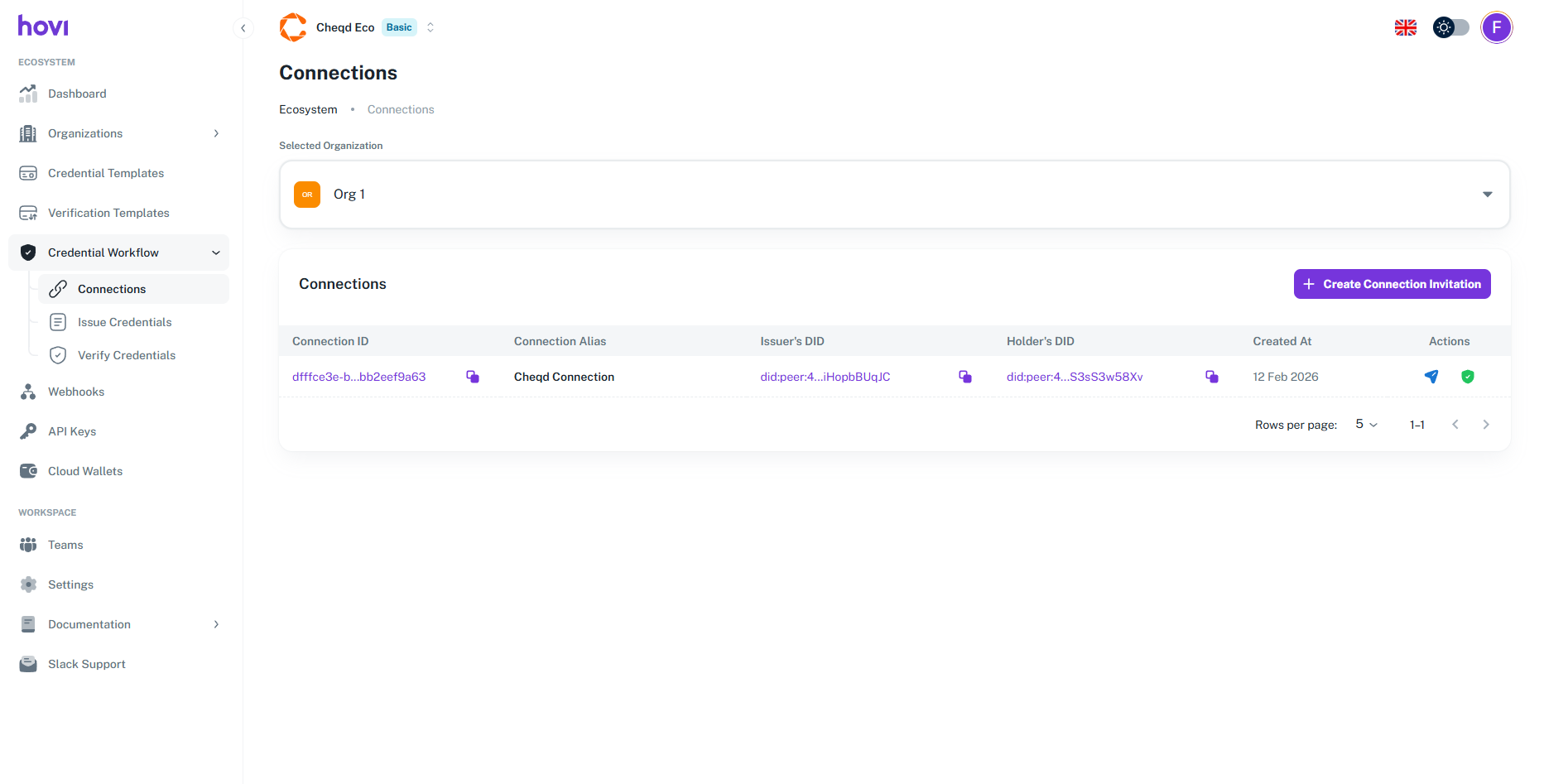
Create a Connection
Connections allow an organization to establish a secure, encrypted communication channel with another wallet. The organization initiates a connection invitation, and once the recipient (user or another organization) accepts it, a secure channel is created. Through this channel, the organization can issue verifiable credentials directly.
Connections are required for Polygon, Indicio, and Cheqd ecosystems to send credentials. These connections use secure protocols to ensure safe and encrypted exchanges between issuers, holders, and verifiers. For Polygon, we support Iden3, and for Indicio and Cheqd, we use the DIDComm protocol.
Prerequisites
Before creating a connection, ensure the following:
- You are registered with the Hovi Studio.
- You have completed the onboarding process, which includes creating an ecosystem.
- You have created an organization
We are using cheqd to create connection for now. But the below steps is same for Polygon and Indicio.
Steps to create a connection
Follow these steps to create a connection in Hovi Studio.
-
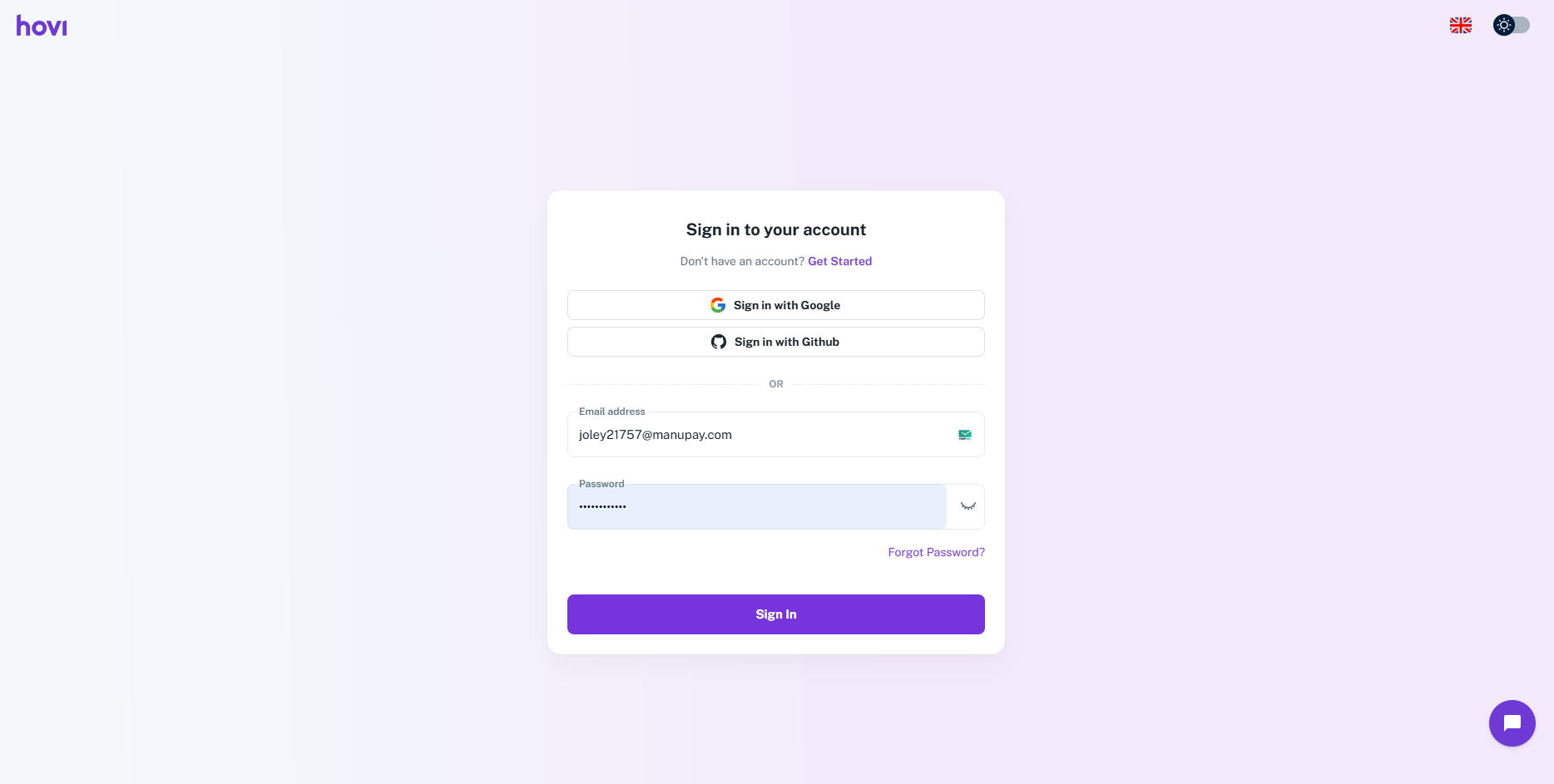
Sign in to Hovi Studio.
-
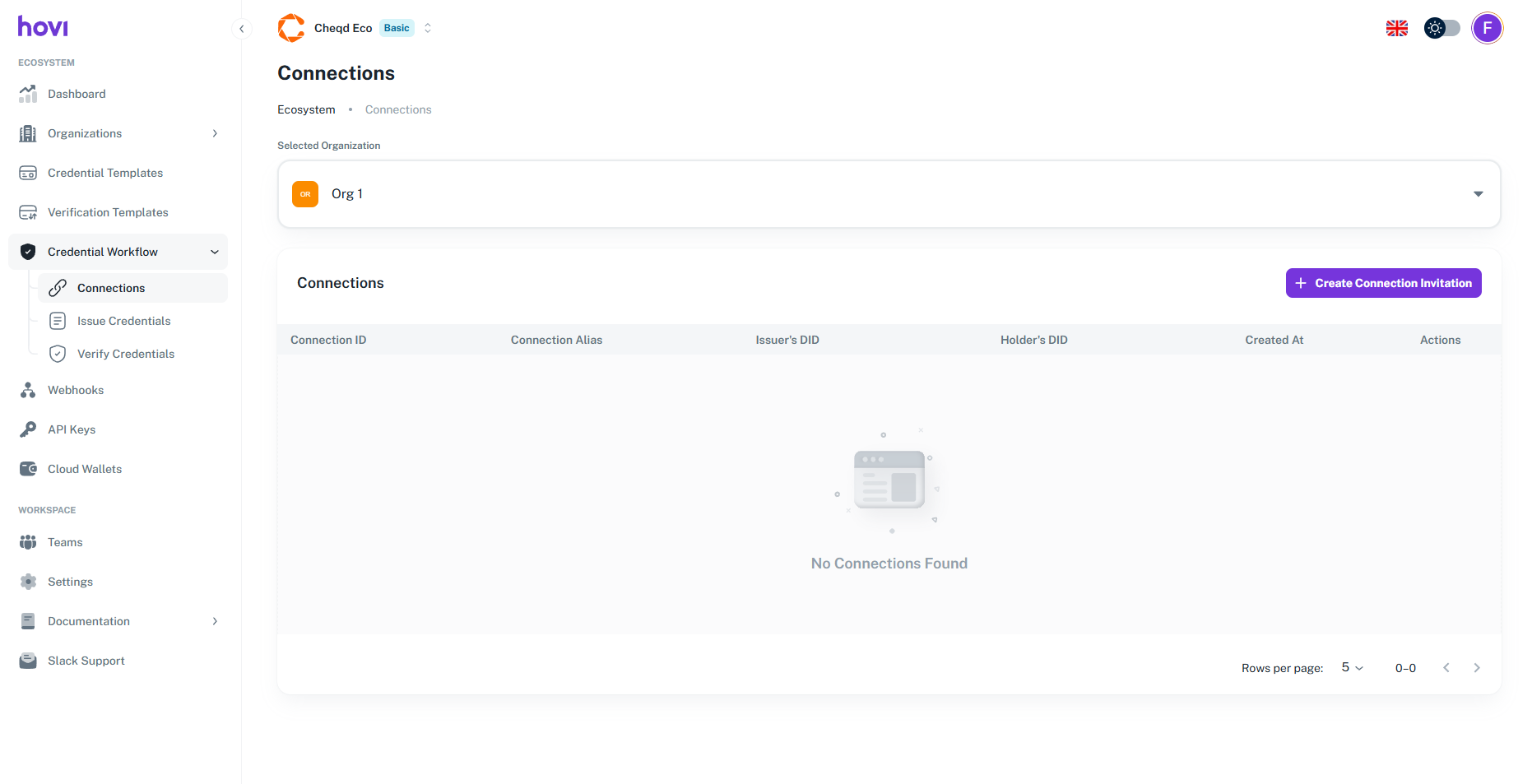
In the left-hand navigation menu, click on the Credential Workflow.
-
Select the Organization for which you want to create a connection from the selected organization dropdown.
-
Click on the Create Connection button, Which will open a drawer.
- Fill up the required fields.
- Click on the Create Connection button.
-
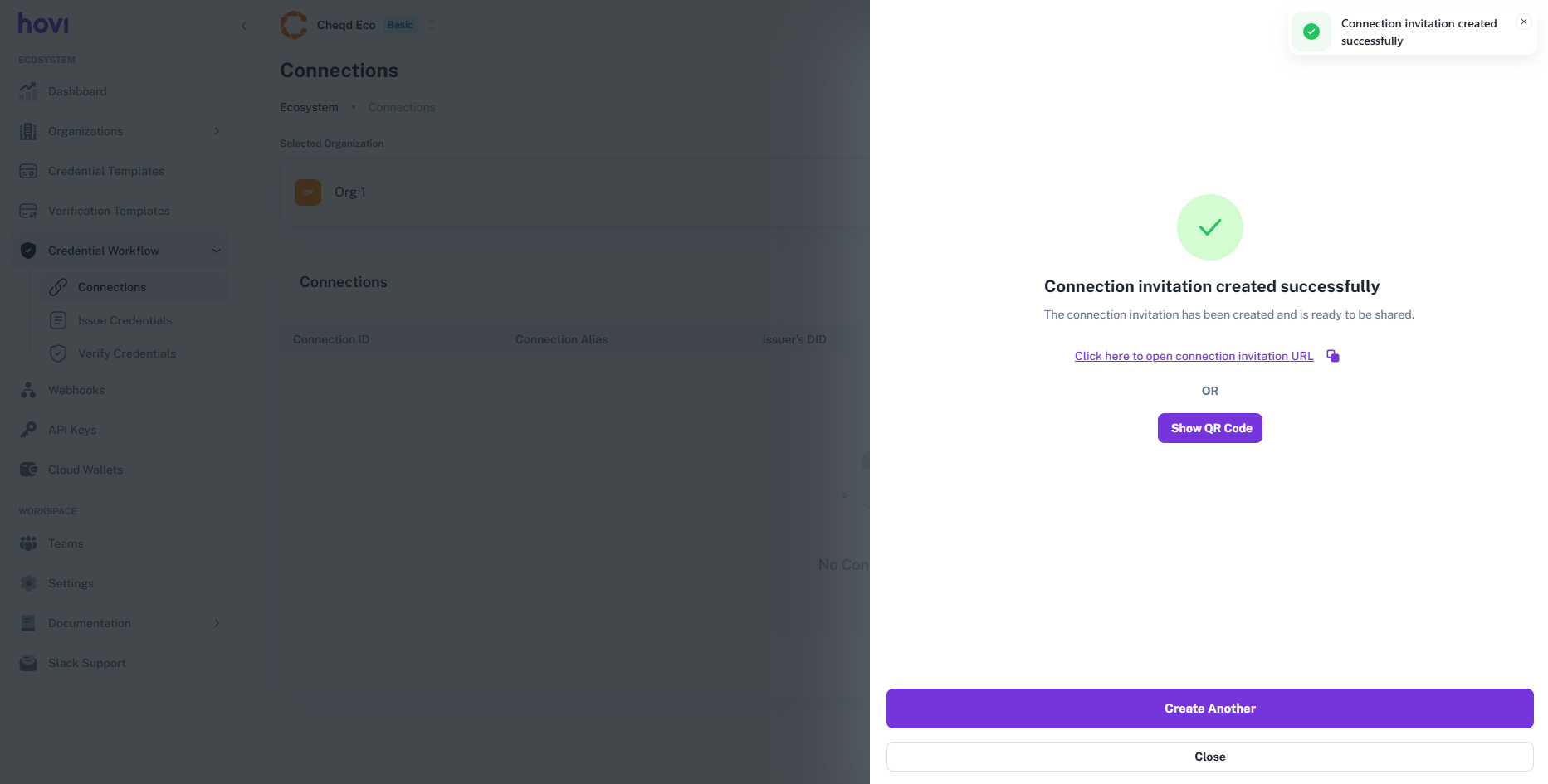
The connection will be created successfully.
-
Click on the the Show QR Code button you will get a QR code scan it.
- Scan the QR code in your wallet. You can use our mobile app Hovi Wallet to scan the QR code.
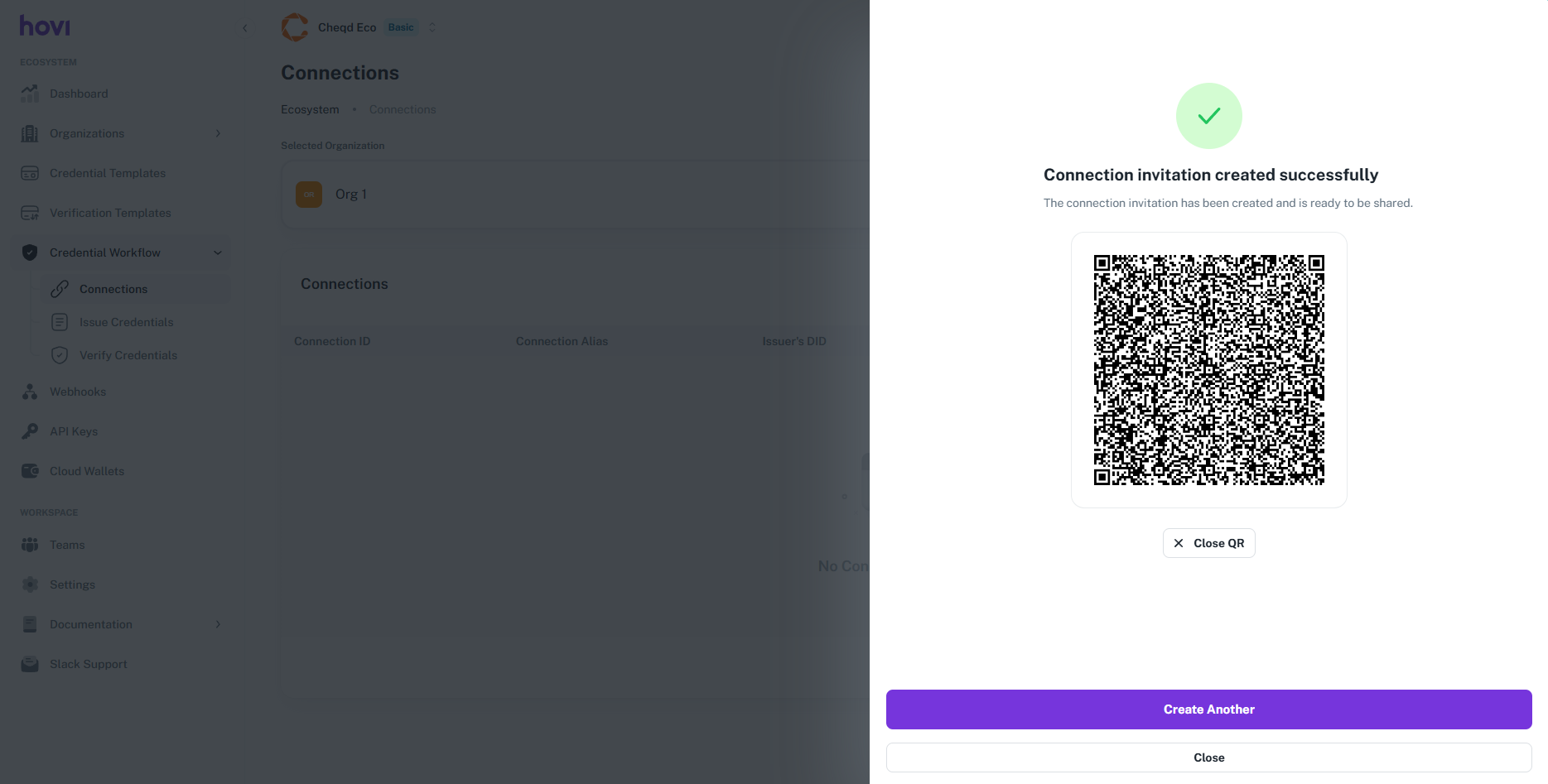
- Scan the QR code in your wallet. You can use our mobile app Hovi Wallet to scan the QR code.
-
Once the QR code is scanned, the connection will be established successfully. And you will be able to see the connection is listed in the connection page.