Microsoft Entra
Hovi Studio provides an intuitive interface for issuing verifiable credentials to recipients through established connections. The Issue Credentials module allows tenants to seamlessly issue credentials based on predefined credential templates.
Supported Credential Types
For the Microsoft Entra ecosystem, the supported credential types that you can offer include:
For more information, please refer here: Interoperability
Example: Creating a Credential Offer for Microsoft Entra Ecosystem
Follow these steps to create a credential offer in the Microsoft Entra ecosystem.
- Visit the Hovi API Reference.
- Select the Microsoft Entra Ecosystem tab.
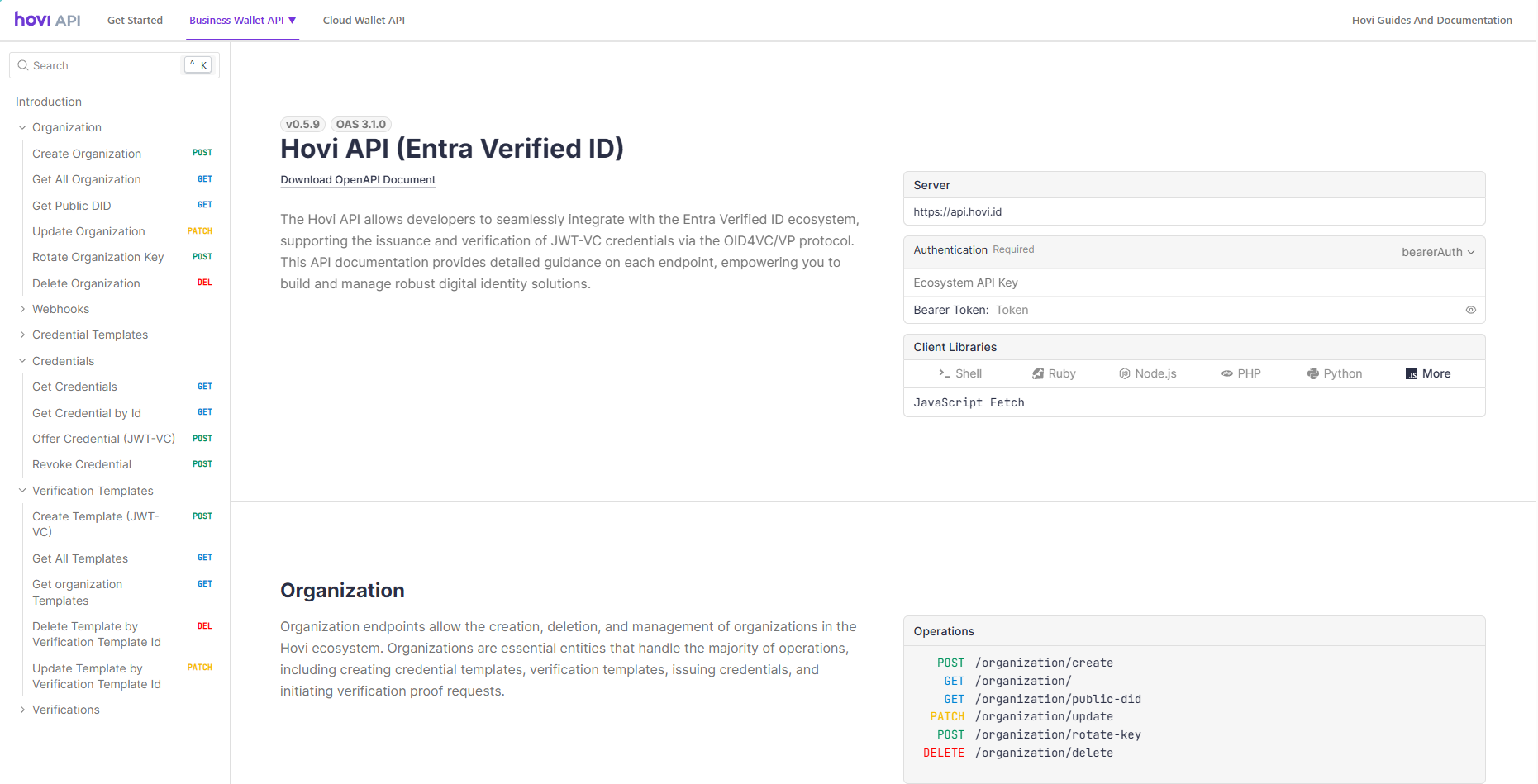
- Navigate to Credentials section.
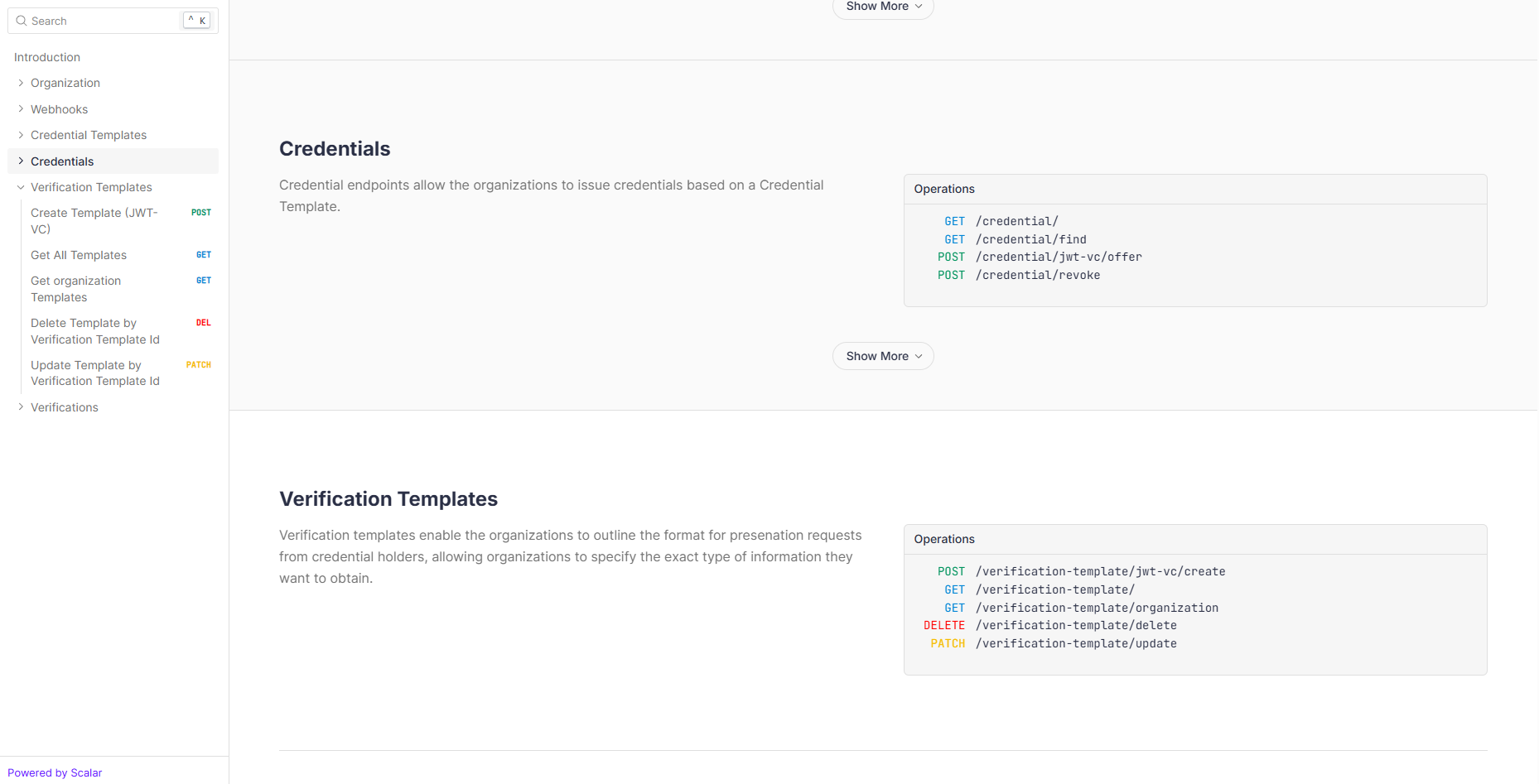
- Navigate to the POST - Offer Credential (JWT-VC) endpoint and click “Test Request”.
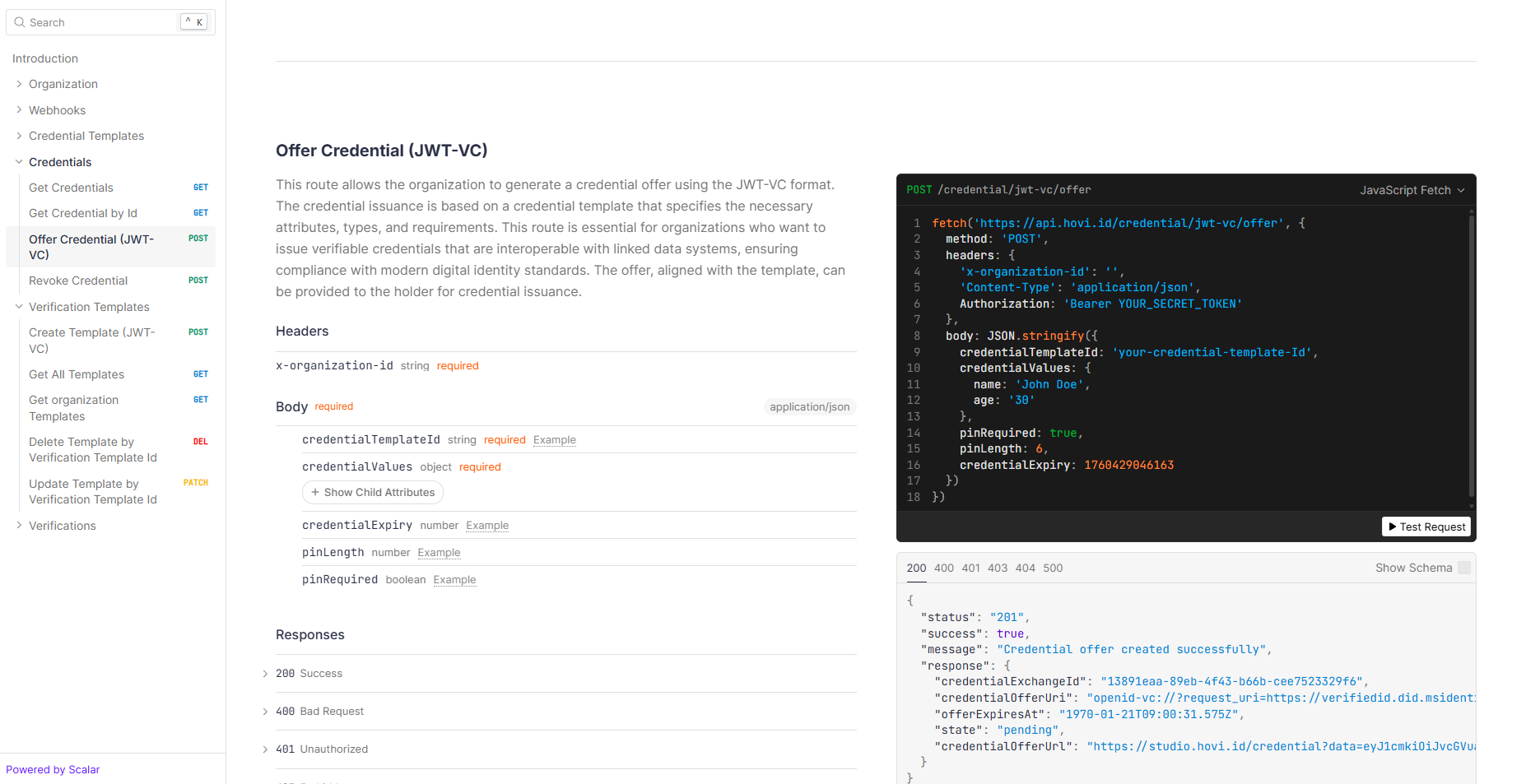
- Enter the API key as a Bearer Token, provide the body parameters, and click “Send”.
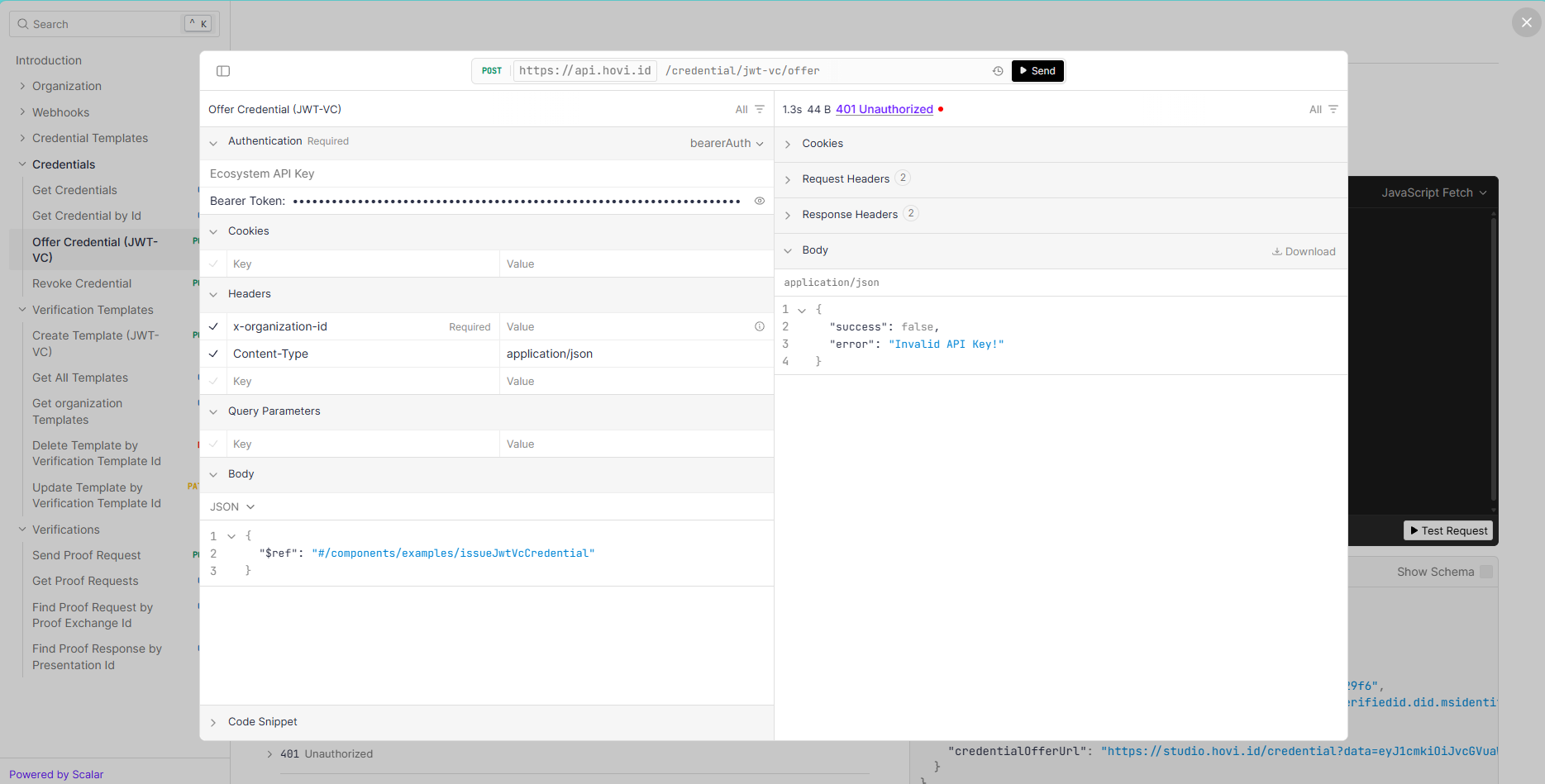
- The
credentialOfferIUrlleads to a QR code that the holder can scan using the Hovi Wallet or any supported third-party wallet (refer to Hovi Supported Wallets) to receive the credentials offer request in their wallet.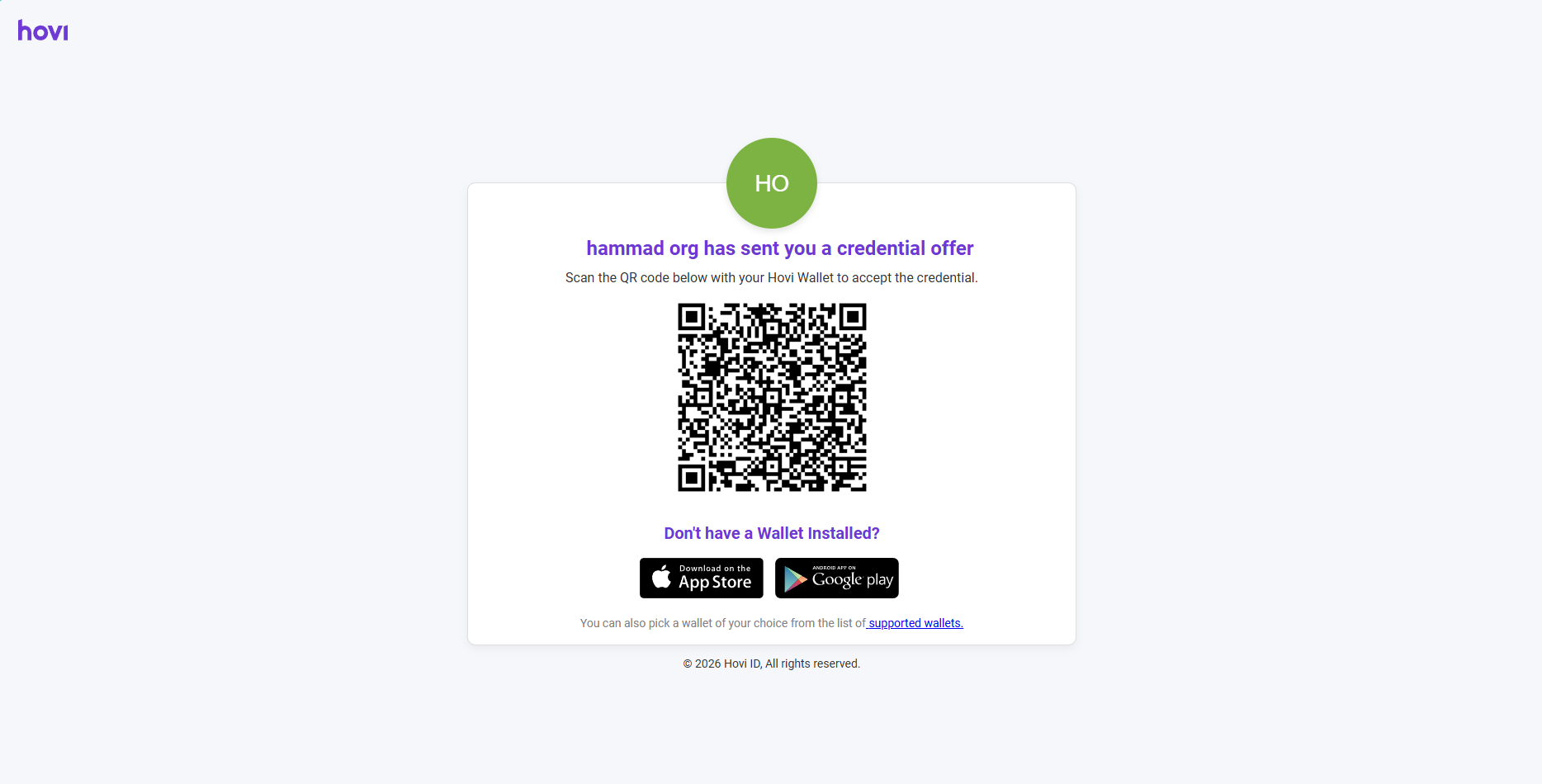
Once the request is accepted, the credentials will be delivered to the holder’s wallet, where they can be stored securely and shared when needed.