Polygon
Hovi Studio provides an intuitive interface for verify credentials to recipients through established connections. The Verify Credentials module allows tenants to seamlessly verify credentials based on predefined verification templates.
Prerequisites
Before verifying a verification template, ensure the following:
- You are registered with the Hovi Studio.
- You have completed the onboarding process, which includes creating an ecosystem.
- You have a connection established with the holder.
- You have a verification template.
Steps to verify a credential
Follow these steps to verify a credential in Hovi Studio for Polygon ecosystem.
-
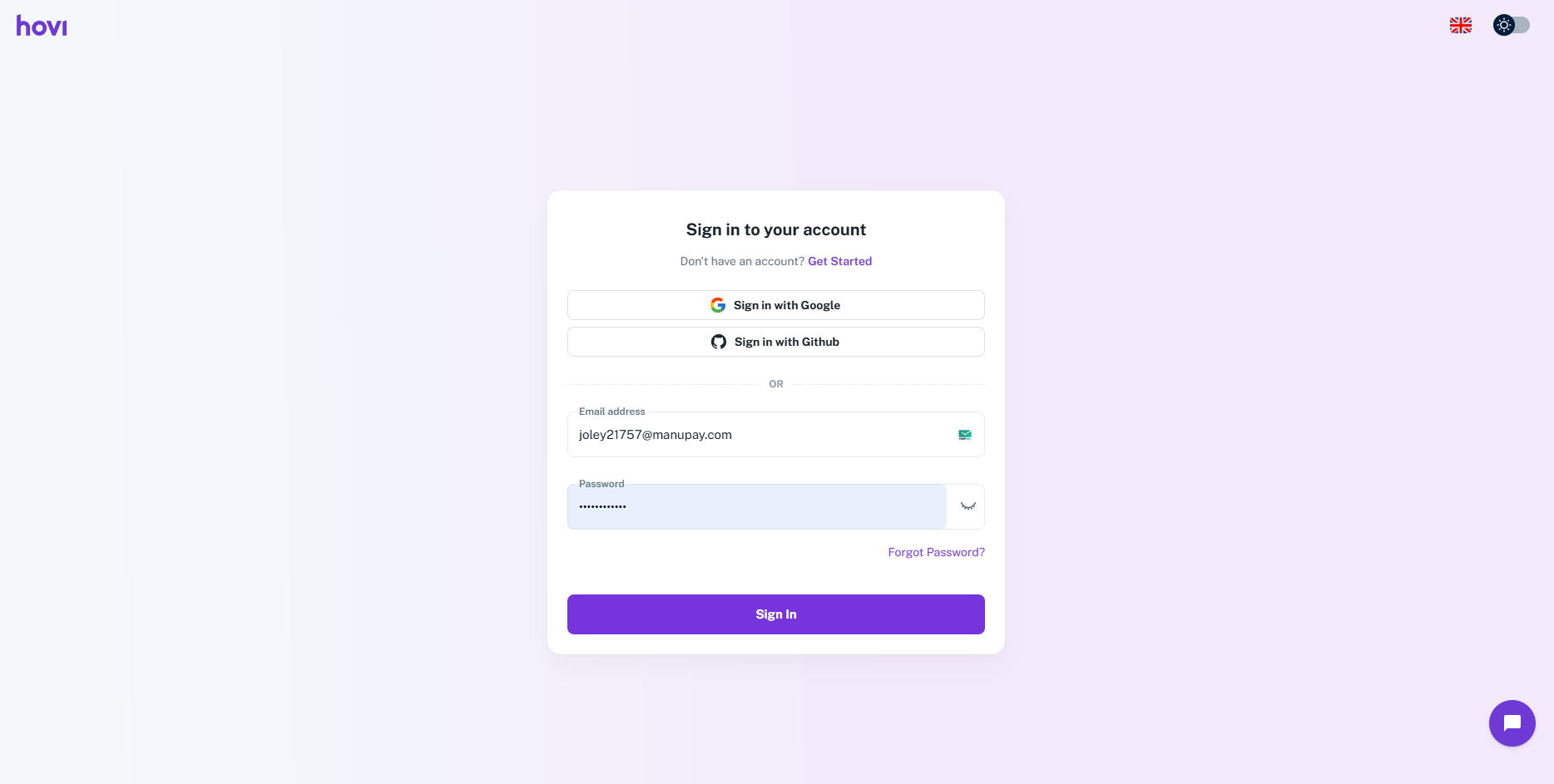
Sign in to Hovi Studio.
-
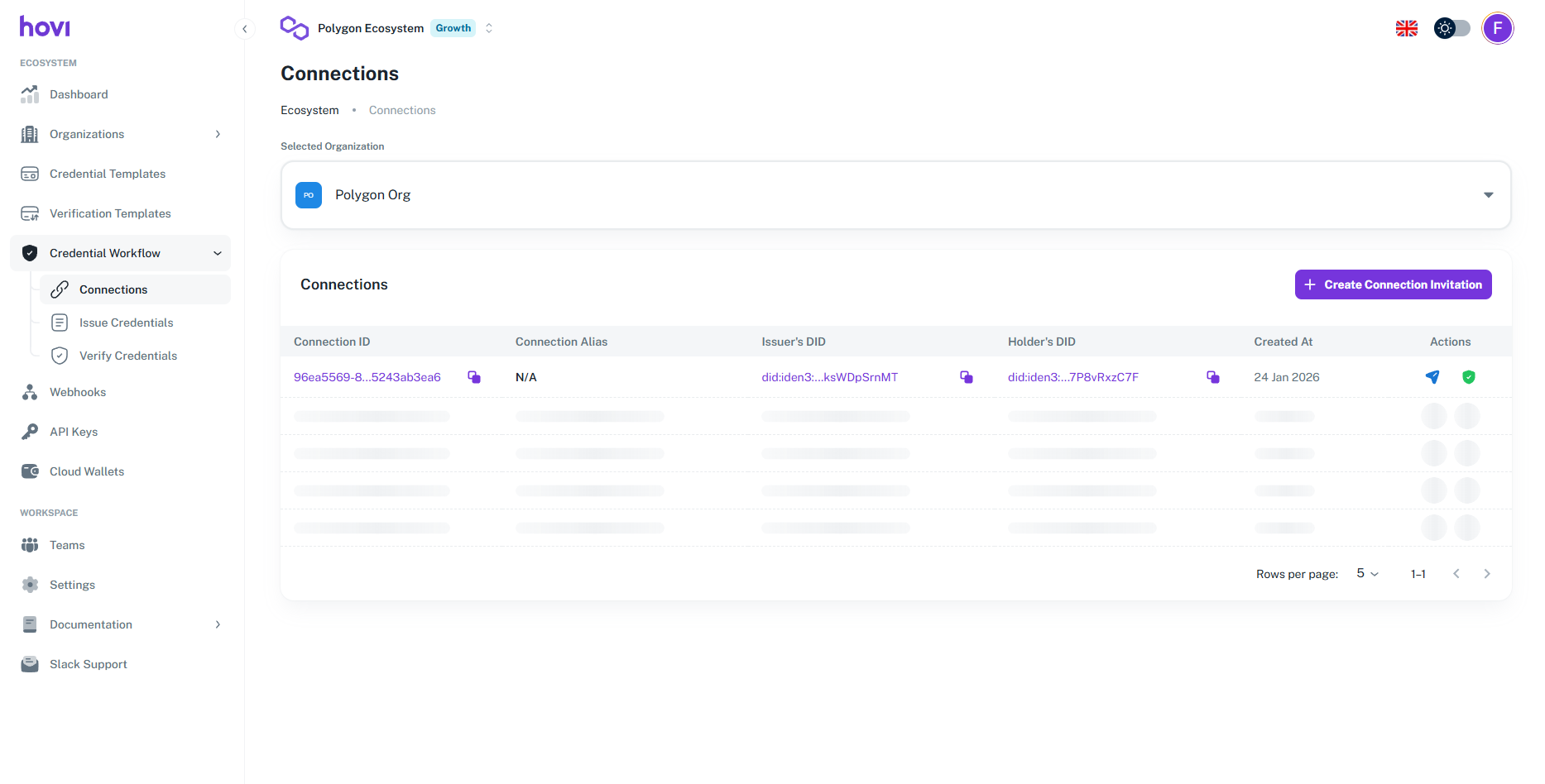
In the left-hand navigation menu, click on the Credential Workflow.
i. Under this dropdown click on the Connection.
-
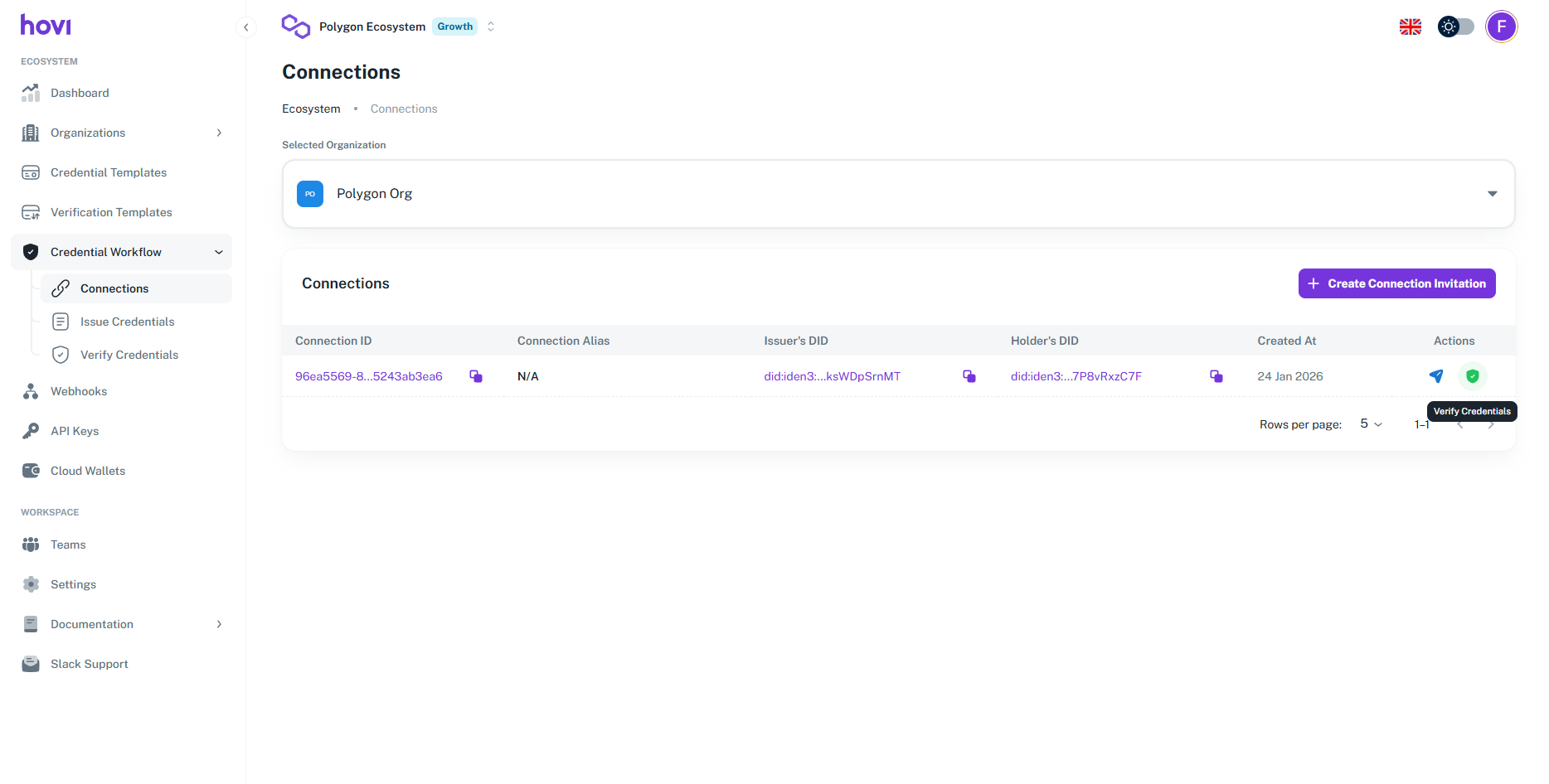
Now if you have a connection listed in the connection page. You will find Verify Credential button click it on the connection you just created, click it.
-
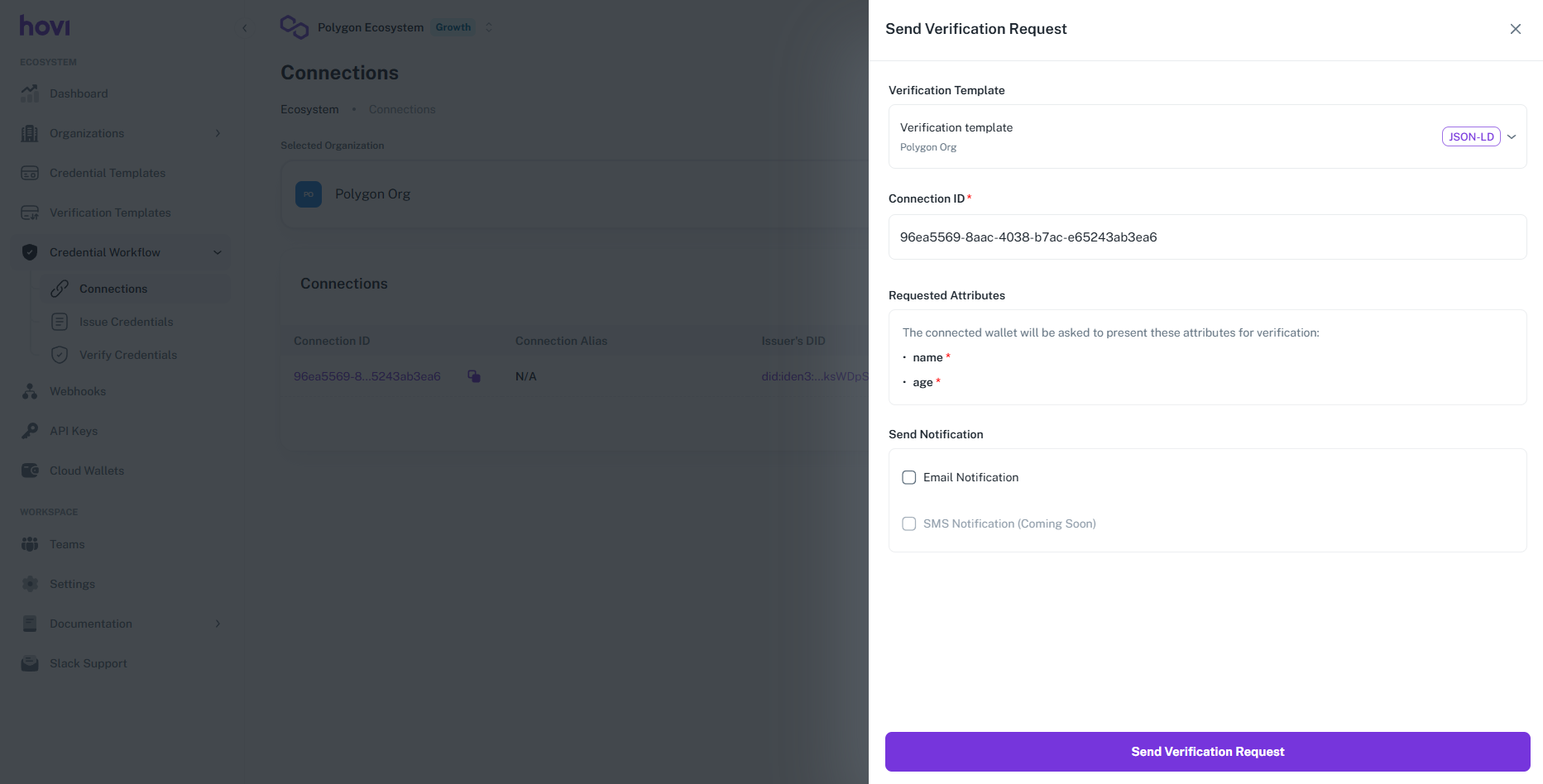
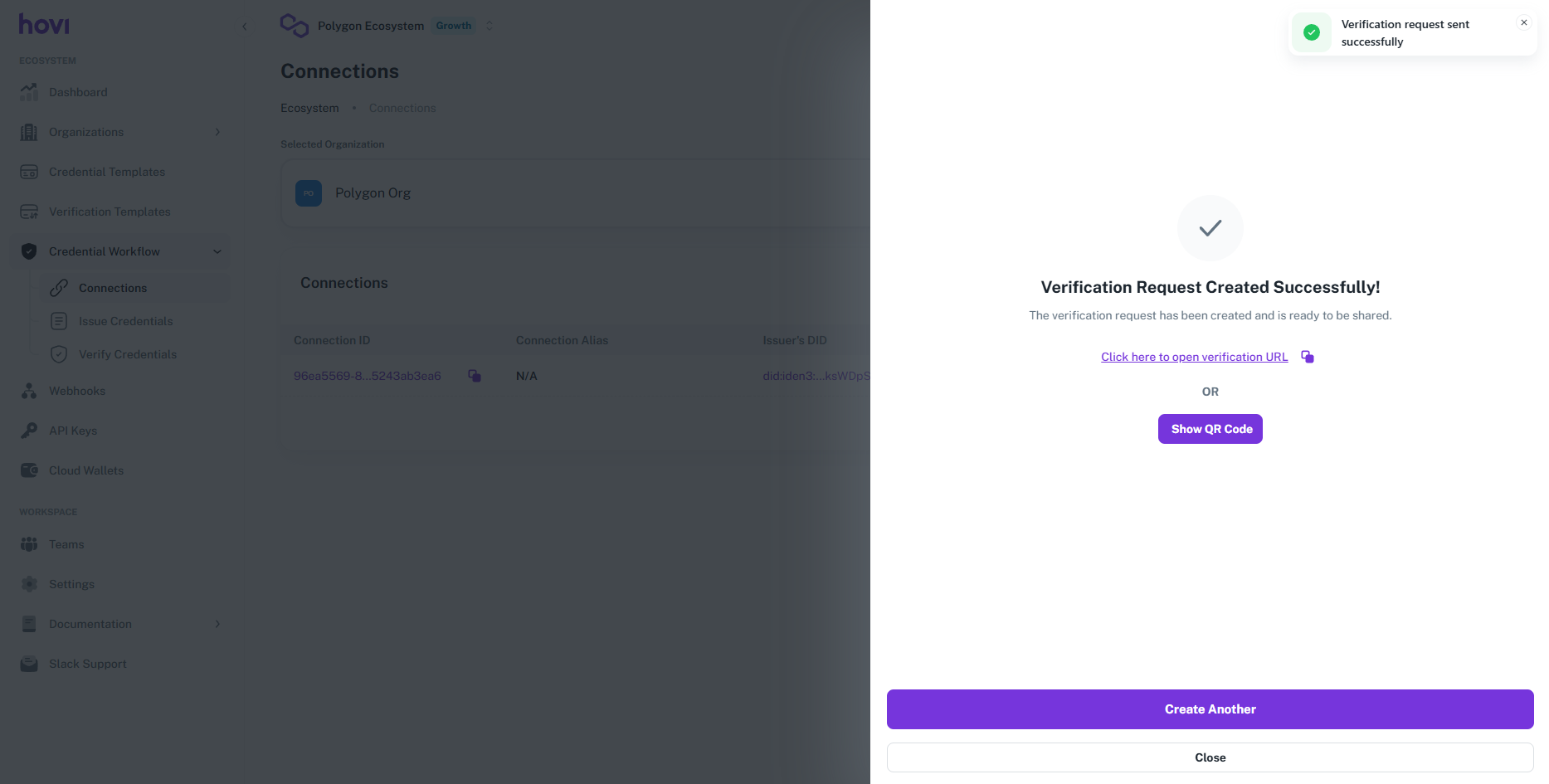
Select verification template, connection and put verification template preview and then click on Send Verification Request.
-
Now click on Show QR Code button and scan the QR code the credential will verify successfully.
 warning
If you don't have any credential in your wallet you will not be able to verify it.